Create a cinematic video with AI: the complete guide (method + tools)
How to turn one simple take of you into a "wow" video, in under an hour, no pro camera, no crew, no budget. The concept, the models to know, and the step-by-step tutorial.
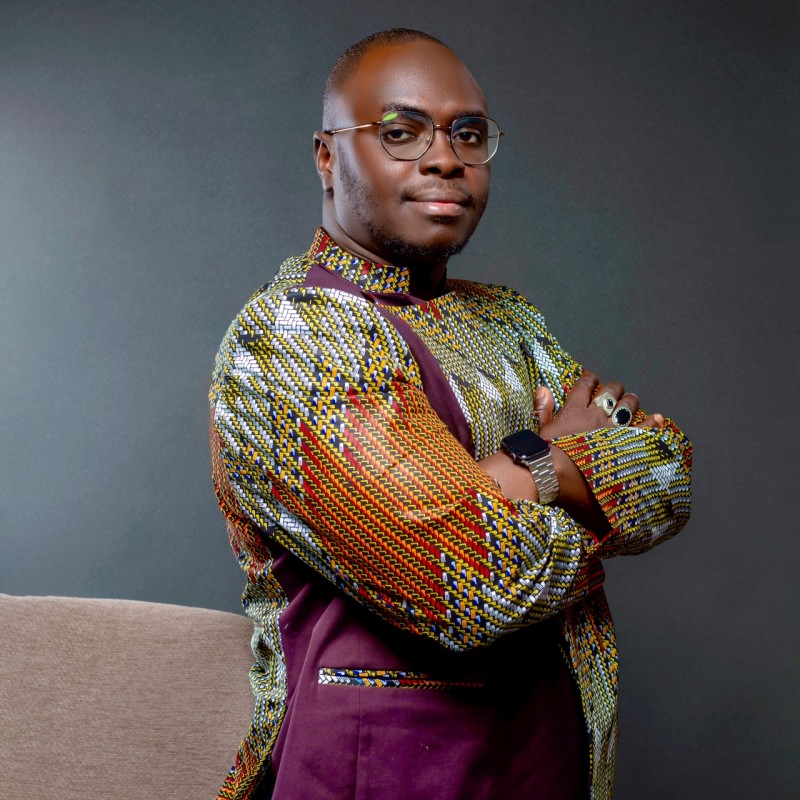
Idriss Laouali Abdou
Co-founder Karatou Academy · AI Capacity Builder
Higgsfield and Seedance 2.5: the video created in under an hour, with no pro camera.
The CapCut AI template combined with Seedance, published on Facebook.
What is an AI cinematic video?
For a long time, making a video that looks like cinema required a camera, a crew, lighting, a studio and a budget.
Today, artificial intelligence models generate those images from a text, a photo or a short video of you. You provide an intention (a prompt) and optionally a reference image or video, and the model produces an animated shot, with camera moves, lighting and depth of field.
You no longer learn how to film, you learn how to direct. The only real skill is the method: knowing which model to use, what to feed it, and how to assemble everything.
Understanding the types of AI video models
Text-to-video
You describe a scene, the model creates it from scratch. Ideal for settings you cannot film. Examples: Google Veo, Wan, Sora.
Image-to-video
You start from a still image and the model animates it. Ideal for controlling the look. Example: Kling.
Video reference
You give your own video, the model keeps your real face and movement and transforms the setting. This is the family used to teleport you into a world while staying yourself. Example: Seedance.
Avatar / lip-sync
You film yourself once, an avatar speaks for you in several languages. For talking heads. Example: HeyGen.
| Model | Type / inputs | Strengths | Shot duration | Best for |
|---|---|---|---|---|
| Seedance 2 (ByteDance) | reference image + video + audio | keeps your identity and movement, multi-shot consistency | 4 to 15 s | putting yourself into worlds |
| Kling 3 (Kuaishou) | image-to-video | cinematic camera moves, character animation | 3 to 15 s | animating an image into a cinematic shot |
| Google Veo 3.1 | text-to-video + native audio | realism, generated sound, consistency | around 8 s | creating a setting from text |
| Runway Gen-4.5 | text / image + editing | creative suite, iteration | variable | advanced production |
| Wan (Alibaba) | text/image-to-video | multi-shot storytelling in one generation | up to 15 s | short narrative sequences |
| HeyGen | avatar + voice | multilingual, lip-sync | long | multilingual talking head |
Higgsfield is not a model, it is a platform that brings together several of these models (including Seedance and Kling) and adds presets for camera moves and effects. Handy to do everything in one place, in French.
Which model for which effect?
- Appear in another scene while keeping your face: video reference (Seedance).
- Animate a specific image: image-to-video (Kling).
- A setting you cannot film, from one sentence: text-to-video (Veo, Wan).
- Speak to camera in several languages: avatar (HeyGen).
The step-by-step tutorial
- 1
Write your script
Keep it short: 30 to 40 seconds, no more. A short video holds attention and costs less to generate.
Three pillars. One: a punchy hook straight to camera, the first line that makes people stay. Two: the finger snap, that is what triggers every transformation, with your voiceover on top. Three: two calls to action, comment a keyword and join the community.
- 2
Film yourself (2 takes are enough)
On your phone, vertical 9:16, light on your face and a neutral background. That is it.
Take A: the hook then the finger snap, hand clearly visible, followed by one second of stillness. Take B: the closing line and the calls to action.
You only film reality. The worlds are created by AI from you.
- 3
Generate the worlds with AI
Give your take as a reference video to Seedance and describe the world you want. The model keeps your face and your movement, and replaces the setting around you.
Tip to make yourself rise and transform: a start image (you seated) then an end image (you standing as a hero).
Prompt example
Same man, identical face and outfit. He snaps his fingers and his office turns into [WORLD]. Slight dolly in, light particles. Photorealistic, cinematic lighting. - 4
Add your voice and edit in CapCut
The voice does not come from AI, it comes from you. Take your real voice from your recordings and lay it down as voiceover.
Between each world: a white flash and the snap sound. That is the teleportation effect.
Add rising music, your on-screen text and a banner saying "AI-generated images". The contrast between the real you and the AI worlds is what makes the video credible.
- 5
Publish and activate your calls to action
A caption with the keyword, a first pinned comment explaining the mechanic.
Reply fast to the first comments, it boosts reach. Send the tutorial by direct message, then invite people to the training.
The toolbox
- Format
- Vertical 9:16 (1080x1920)
- World image
- Instruction editing: "same face, change the setting"
- Video
- Your take as reference + start / end image, audio muted
- Shot duration
- 5 to 8 seconds
- Editing
- Hard cuts + flash + snap sound between the worlds
3 mistakes to avoid
- 1
Trying to fit 4 worlds into a single 5-second shot: it blurs the face. Do one world per shot.
- 2
Letting AI invent the voice. Keep your real voice, that is what creates the connection.
- 3
Forgetting the AI transparency banner.
Frequently asked questions
Do you need a camera or gear?
No, a phone is enough for the real take.
Which model to put yourself into a scene?
A video reference model like Seedance.
Can AI speak with my voice?
Yes through voice cloning, but your real voice stays more authentic.
How long does a video take?
Under an hour once you master the method.
Does it work in French?
Yes, platforms like Higgsfield can be used in French.
Higgsfield and Seedance 2.5: the video created in under an hour, with no pro camera.
The CapCut AI template combined with Seedance, published on Facebook.
Take action
1. Join the WhatsApp channel
"Karatou Academy | Décryptage IA": the tools and methods I test, every week.
Join the WhatsApp channel2. Karatou Academy training
We teach you to use these tools on YOUR projects. Join the waitlist.
Join the waitlistIdriss Laouali Abdou
Co-founder Karatou Academy · AI Capacity Builder
AI can hallucinate, always test the outputs.