Edit a video with your voice using Claude and HyperFrames (prompts included)
The full guide behind the "Edited with my voice" video: how Claude writes the edit as code, how to film it, and every prompt to copy for your hands, your reframes and your split screen.
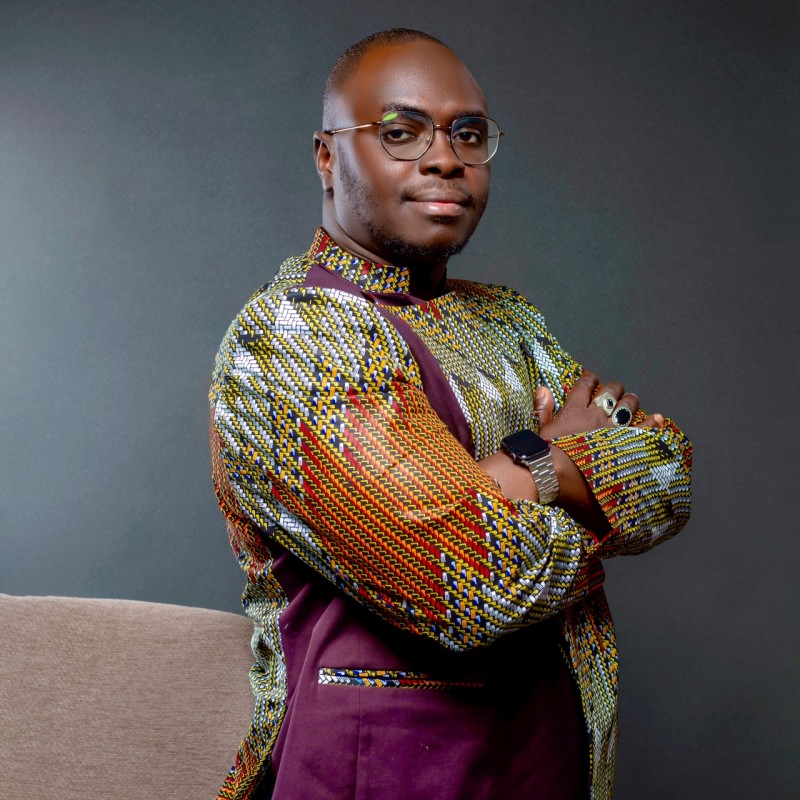
Idriss Laouali Abdou
Co-founder, Karatou Academy
In my latest video, I didn't touch any editing software. I talked. "Show me the world and break it." "In my right hand…" "Reframe me to the left." "Split screen."
Claude wrote the edit as code, and HyperFrames turned that code into a video. Here's exactly how it works, how to film it, and every prompt I used, ready to copy.
How it works, in one sentence
Every effect you see (the map that explodes, the cards on my hands, the reframe) is a small animated web page. HyperFrames, an open source tool made by HeyGen, turns that page into an MP4 video. Claude writes the page from what you tell it.
What you need
- Claude with access to a folder or a terminal (Claude Code, or Claude in the desktop app with a connected folder).
- The HyperFrames skills installed. In a terminal:
npx skills add heygen-com/hyperframes. The source code is on github.com/heygen-com/hyperframes. - Your talking-head video (filming rules just below).
- 1 to 2 hours for your first video. Under 30 minutes after that.
How to film so it works
- Film horizontally, in 4K if you can: it leaves room to reframe, even for a vertical version.
- Stand in the center, with empty space on both sides.
- Fixed camera, steady light.
- Say each command clearly, then pause for one second: that's where the effect appears.
- When you talk about a hand, open your palm and hold it still for 3 seconds.
- Snap your fingers at the start: it helps sync the sound.
The prompts, step by step
Copy them in order. Replace what's in brackets.
Prompt 1: set up the project
You are my video editor. You use HyperFrames to build the edit as code.
Here is my talking-head video: [file path or name].
1. Transcribe it word by word with the timing of each word.
2. Find every command I give out loud (right hand, left hand, reframe me, center me, split screen, show me…).
3. Cut the bad takes and long silences, and show me the list of cuts before applying them.
Don't create any effect yet.
Prompt 2: the object that breaks and rebuilds
When I say "show me the world", darken the image behind me and show a world map with every country.
When I say "break it", make the map explode: each country flies in a different direction, with a flash and an impact sound synced on the word.
When I say "rebuild Africa", bring only the African countries back into place, color them gold and zoom in.
The rest of the world stays in pieces, very transparent.
Prompt 3: one visual in each hand
When I say "in my right hand", make a card appear floating just above my palm, with a golden glow under the card.
The card follows my hand if I move it. Measure the position of my palm frame by frame.
Careful: the video is mirrored, my right hand is on the right of the screen.
Right hand card content: [your number or visual].
Left hand card content: [your number or visual].
Make the number count up.
Prompt 4: reframe me left or right
When I say "reframe me to the left", slide the image so I'm on the left of the screen, and bring the animation in on my right, at the same height as me. No split screen.
When I say "reframe me to the right", do the opposite.
When I say "center me", go back to the center.
Animation on the left: [e.g. a 3D house that builds floor by floor, then blows apart into layers with a label on each layer].
Animation on the right: [e.g. a building whose floors get reorganized by AI].
Prompt 5: the split screen
When I say "split screen", split the screen in two: me at the bottom, and at the top [e.g. a rotating 3D globe with my cities: Lagos, Abidjan, Niamey, Dakar, Nairobi, Paris, Montreal, Dubai].
When I name two cities, connect them with a glowing arc.
Prompt 6: the sounds (the most important one)
Add transition sound effects, with these rules:
1. Each sound must land exactly on the word that triggers the effect. Sync the PEAK of the sound to the word, not the start of the file.
2. Loud sounds (impacts, whooshes) only when I'm not talking.
3. While I'm talking: only small, short, soft sounds.
4. Automatically lower the sounds whenever my voice is present.
Show me the list of sounds with their timing before rendering.
Prompt 7: the formats
Make two versions: a vertical 9:16 one for Reels and TikTok, and a horizontal 16:9 one for YouTube and LinkedIn.
In vertical, rethink each scene so it stays readable: nothing gets cut off, the visuals stay on my hands, and the reframes stay side by side.
Add word-by-word captions, with the key words in gold.
The 3 mistakes I fixed
My first edit wasn't perfect. Here's what I had to fix, so you can avoid it from the start.
- Sounds landed late and covered my voice. Some sounds peak 2 seconds after the start of the file. Fix: sync the peak to the word, and never a loud sound while I talk.
- The visuals were on the wrong hand. The camera was filming mirrored. Fix: say it in the prompt from the start.
- The reframe had turned into a split screen. Fix: say "at the same height as me, on the opposite side, no split screen".
The number in the video
Today, Africa is 19% of the world's population and 28% of people under 25. By 2100, according to UN projections, 46% of the world's young people will be African: almost one in two. Tomorrow's market is being built here.
Sources: Pew Research Center (May 2026), based on UN World Population Prospects 2024, medium scenario.
Your turn
Film 60 seconds, give 3 commands, and send me your video on the WhatsApp channel. I'll share the best ones.
Take action
Idriss Laouali Abdou
Co-founder, Karatou Academy